Getting Started with BundleBox
Go from installation to your first tested bundle without reading a long manual.
Open BundleBox
Install BundleBox : Bundle Builder and open it from your Shopify admin.
Choose a bundle type
Select the offer that matches what you want to sell: Quantity, Standard, Mix & Match, Buy X Get Y, Subscription, Upsell or Fixed Price.
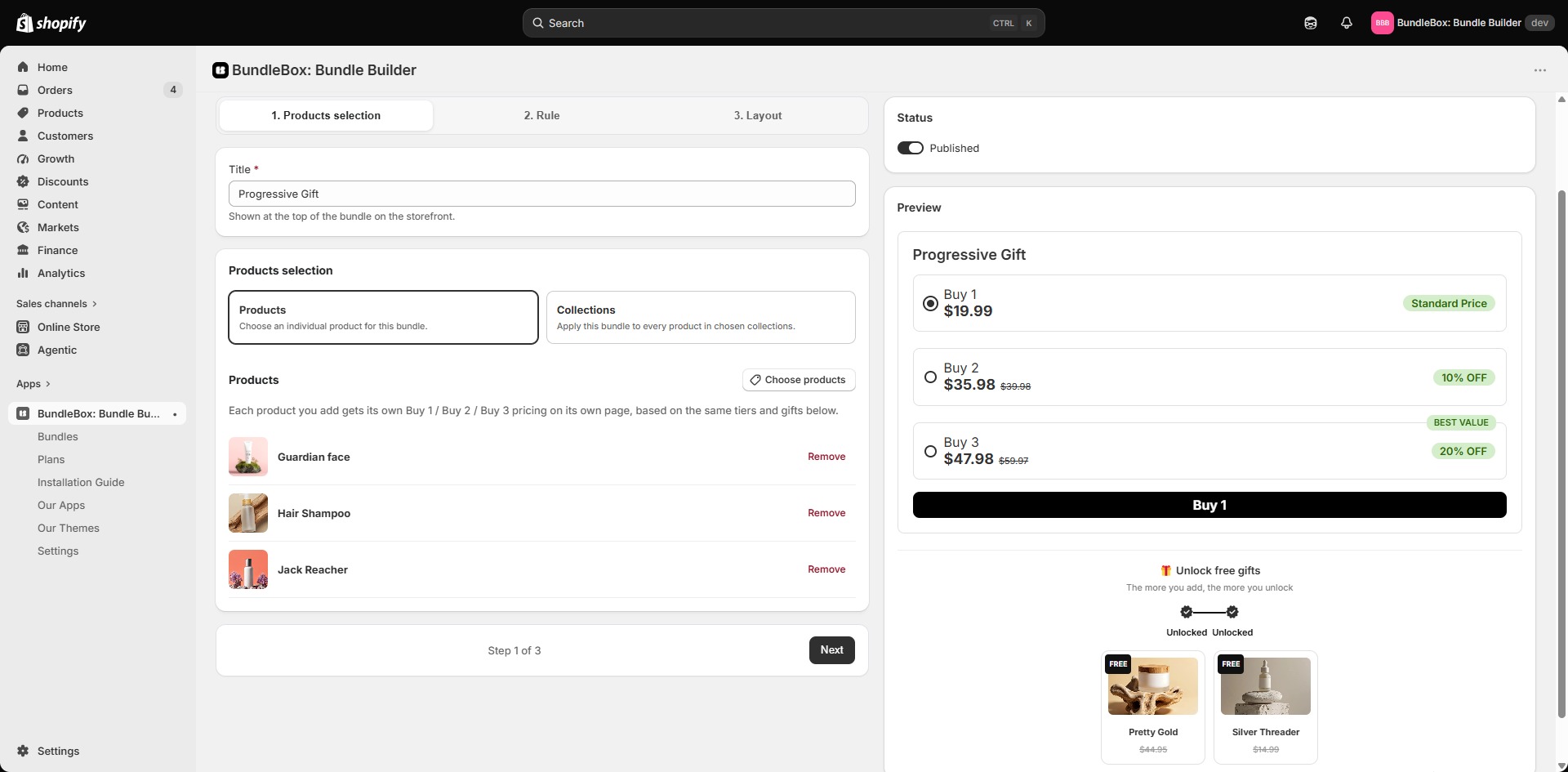
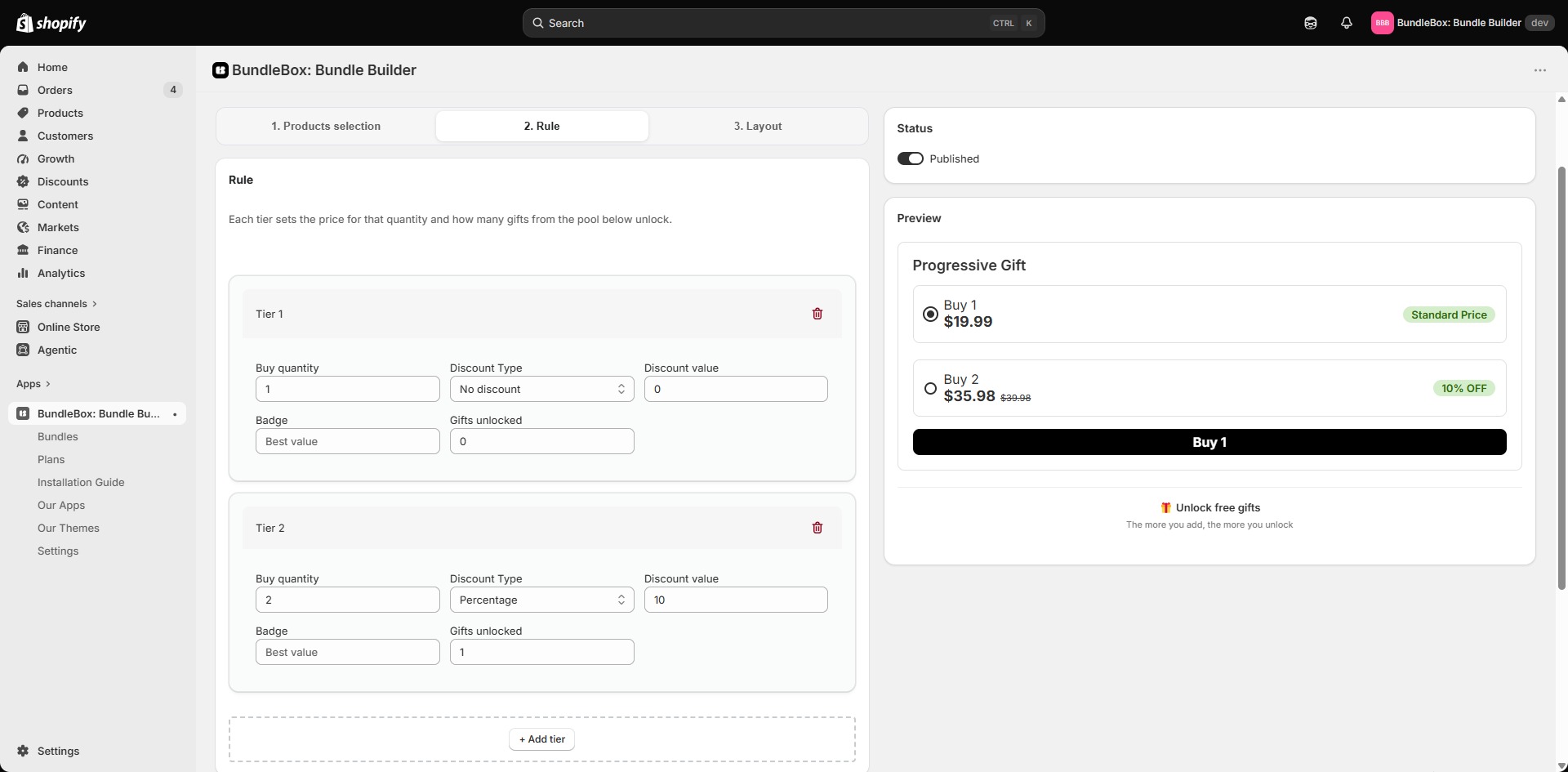
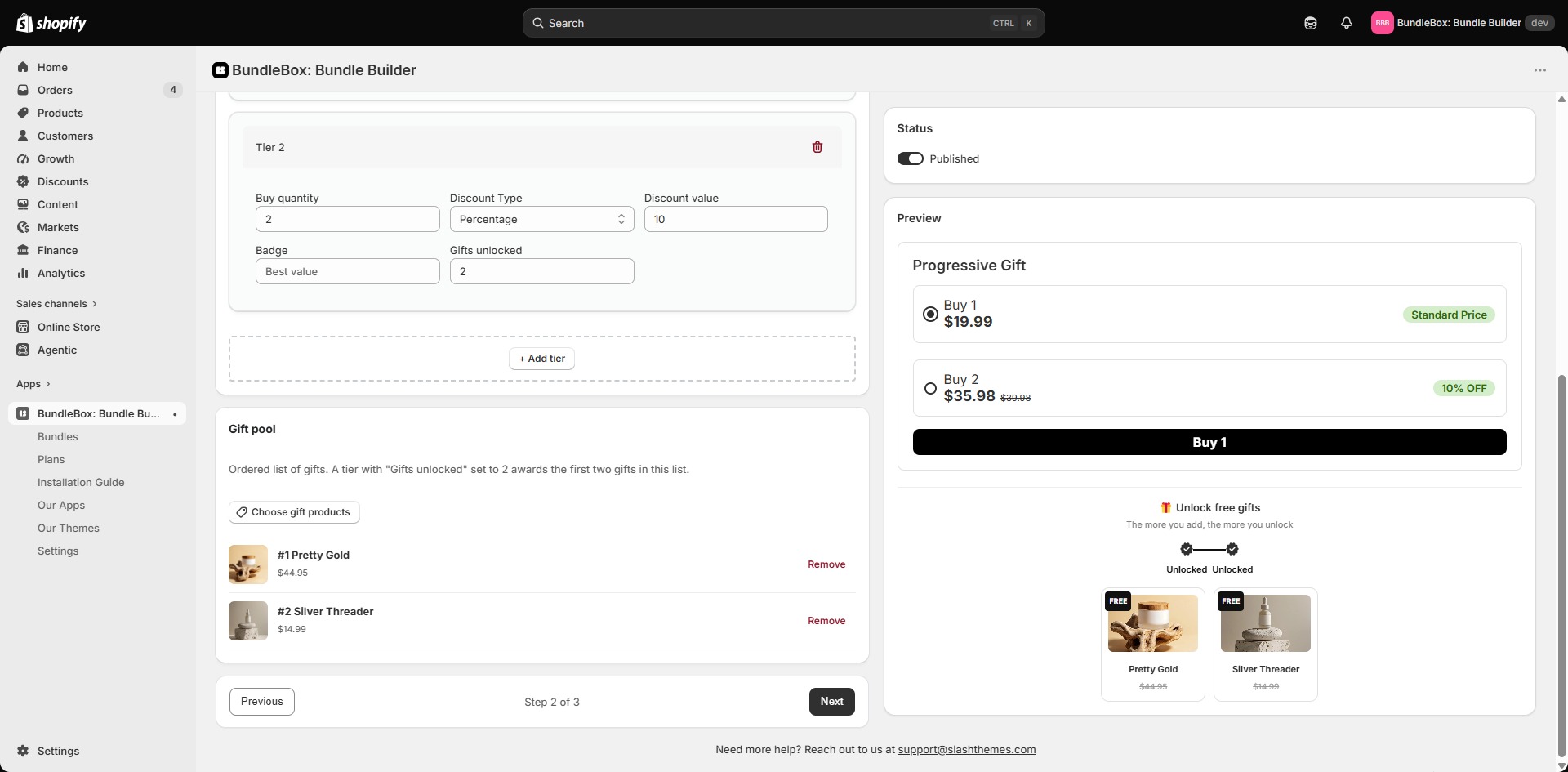
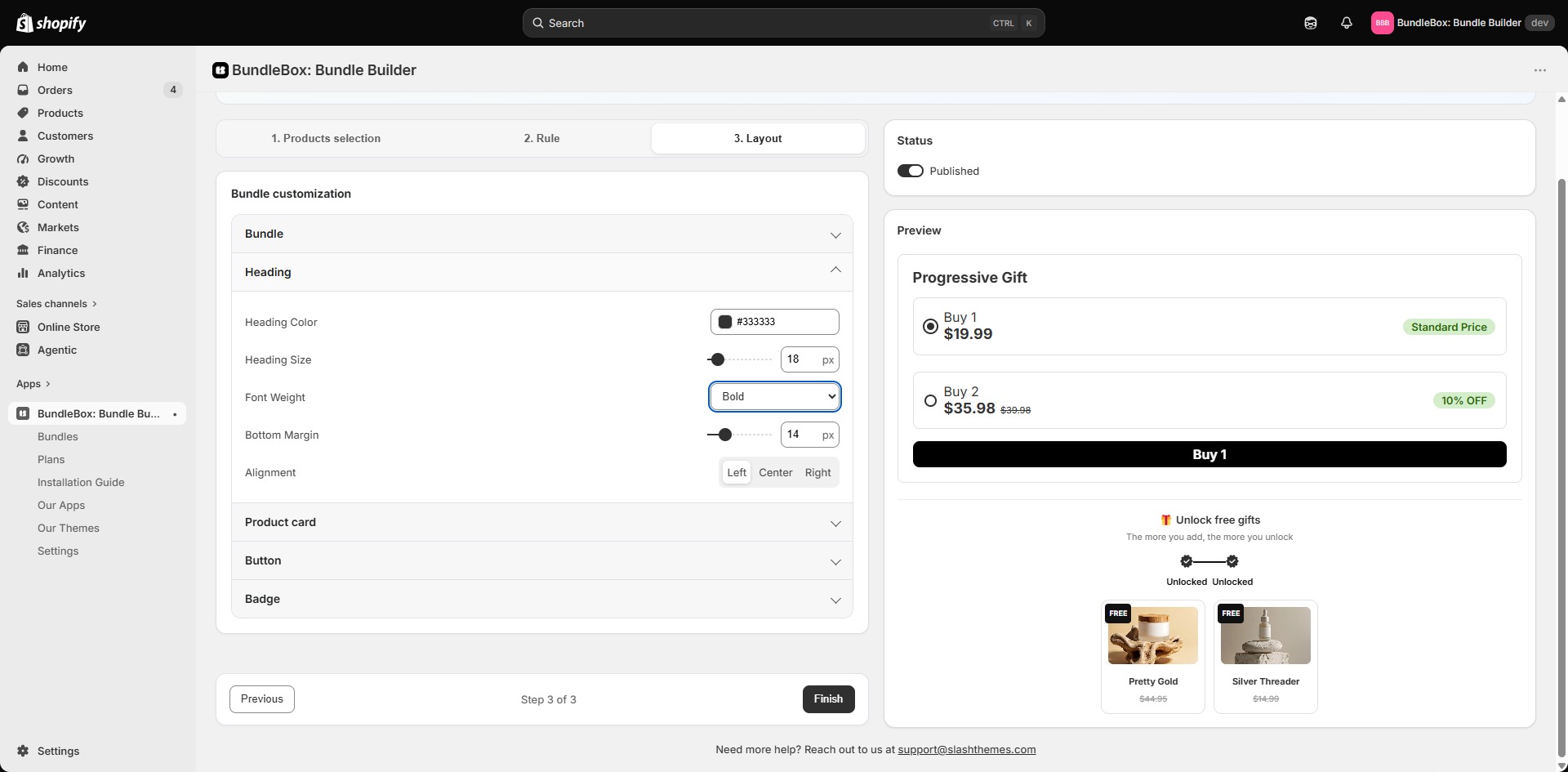
Configure your offer
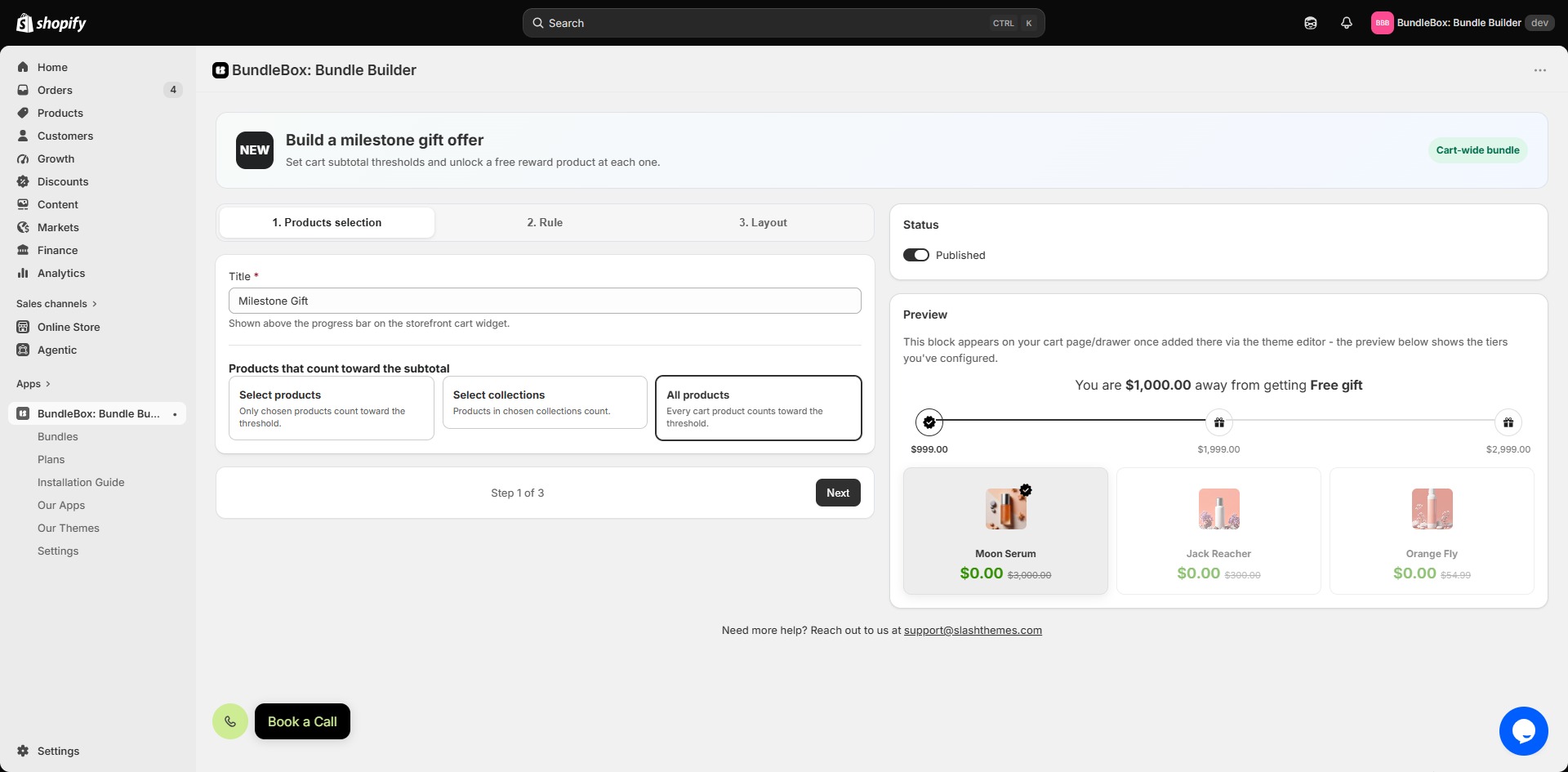
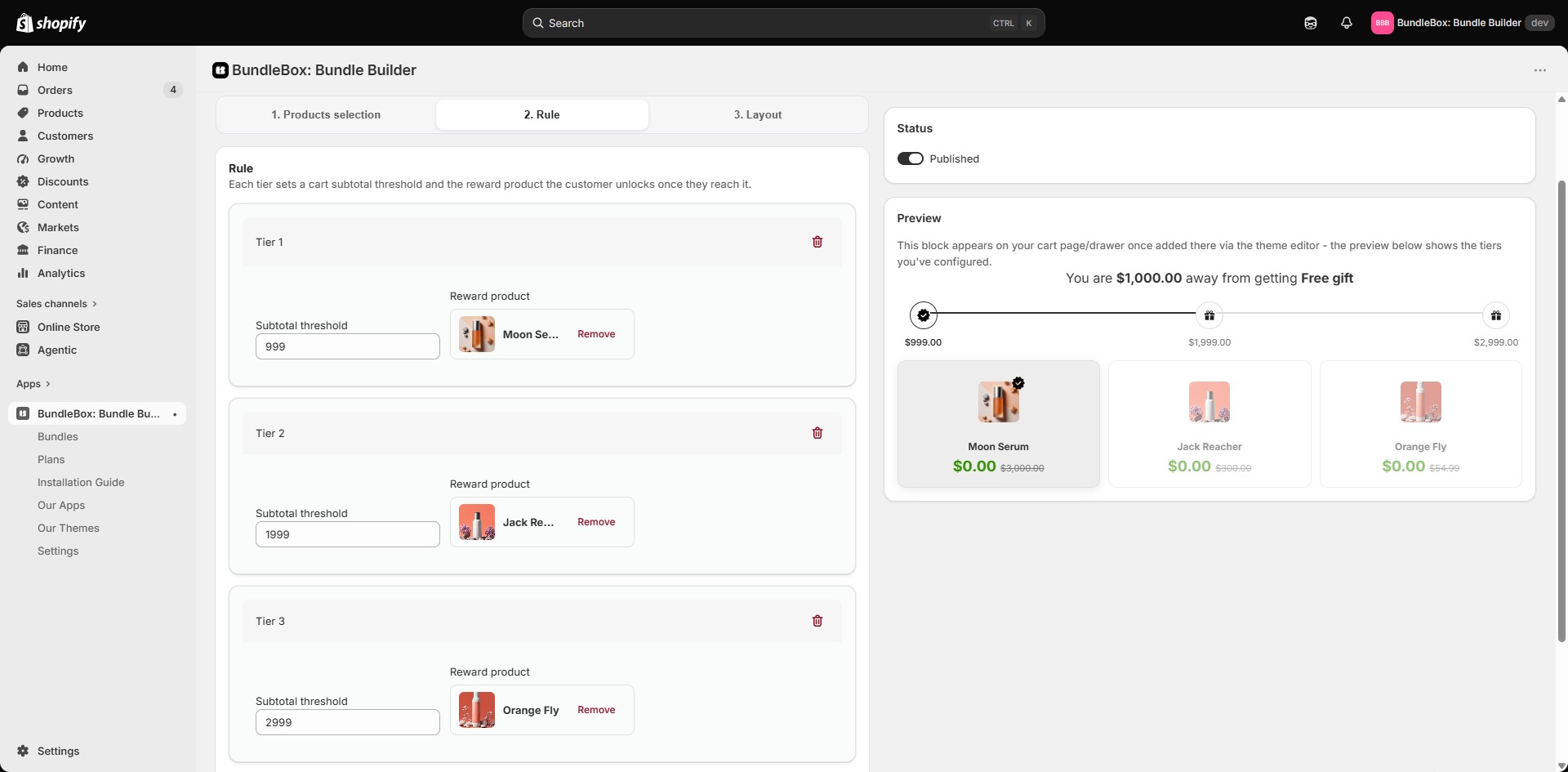
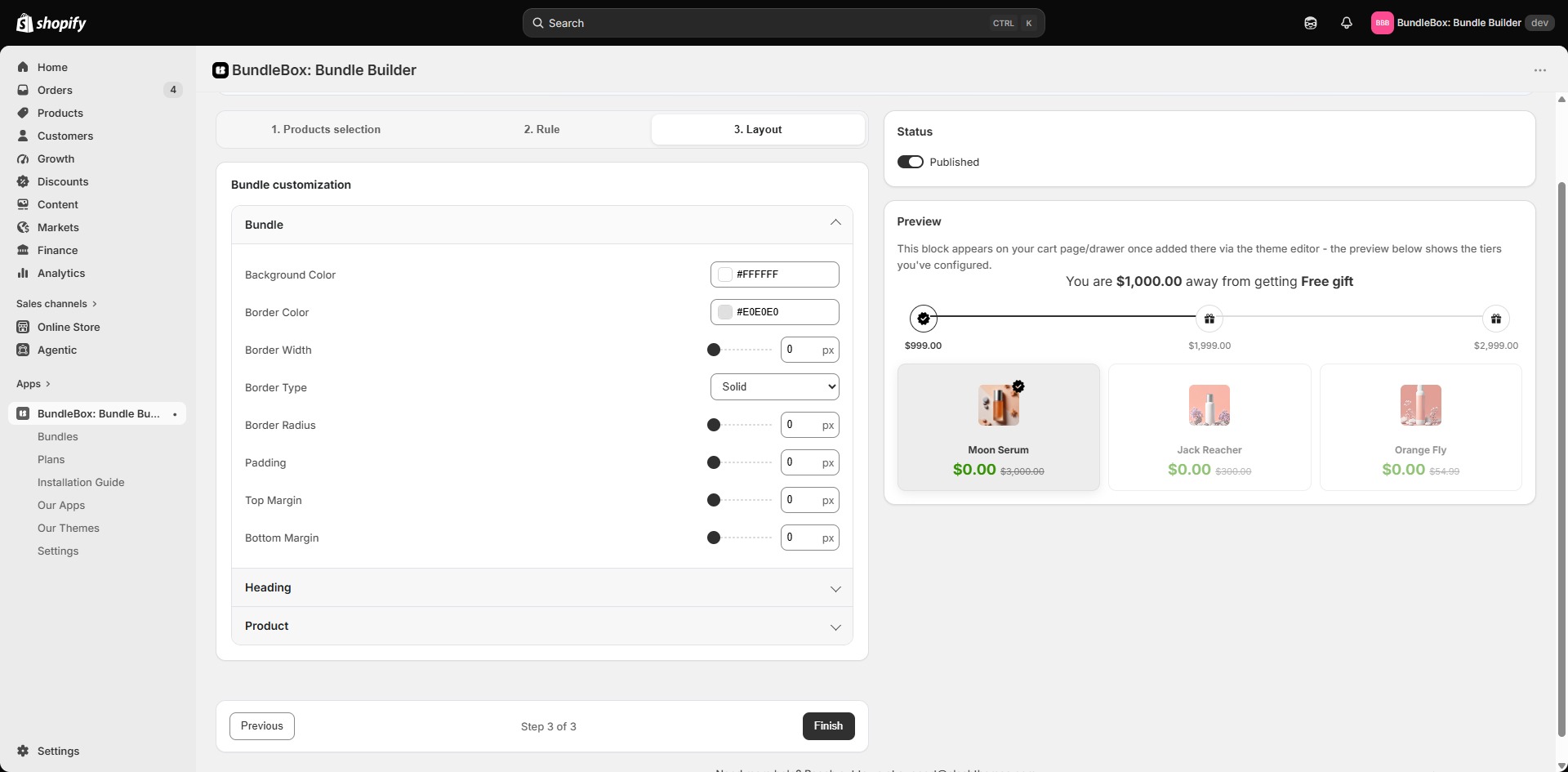
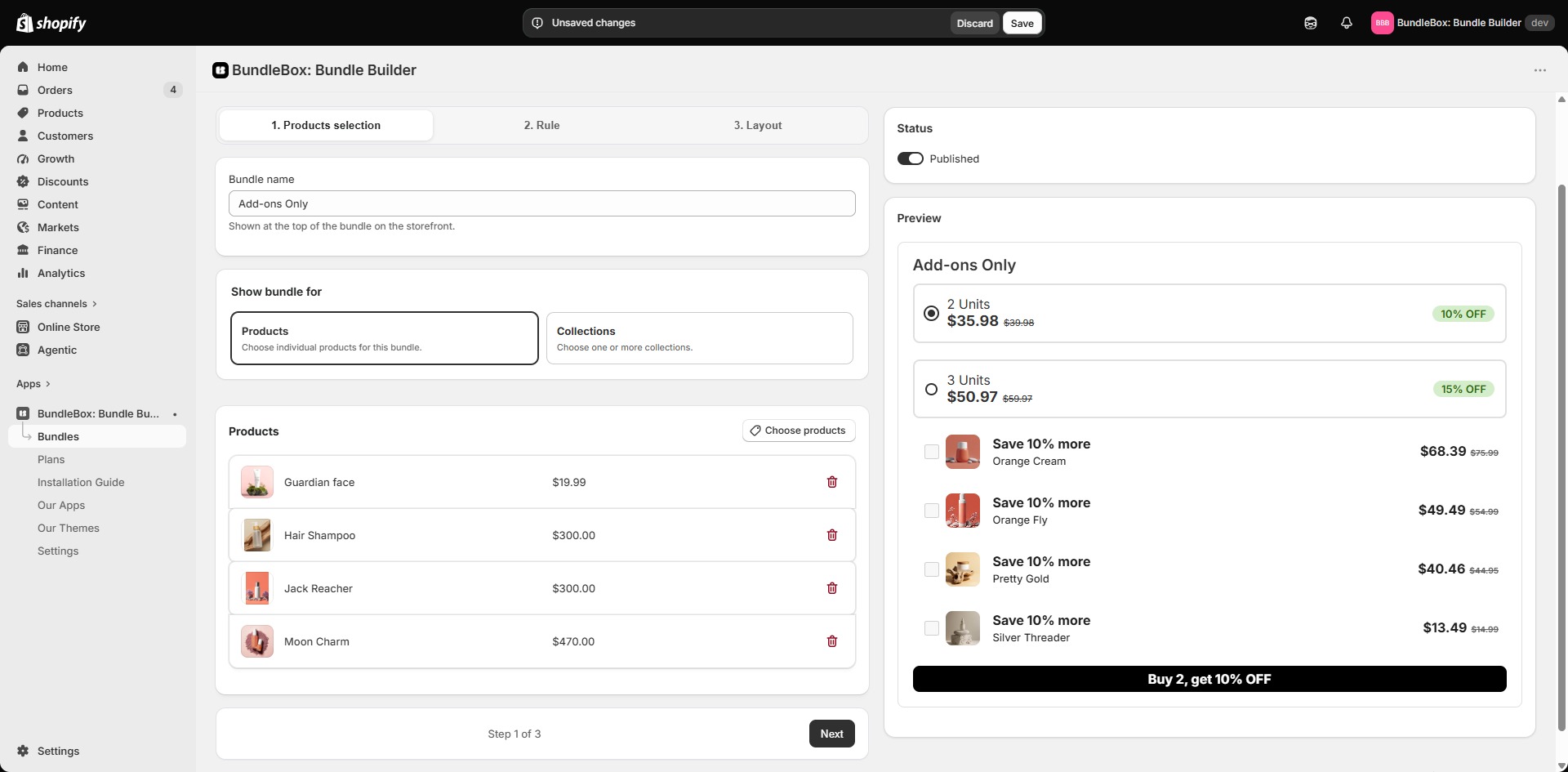
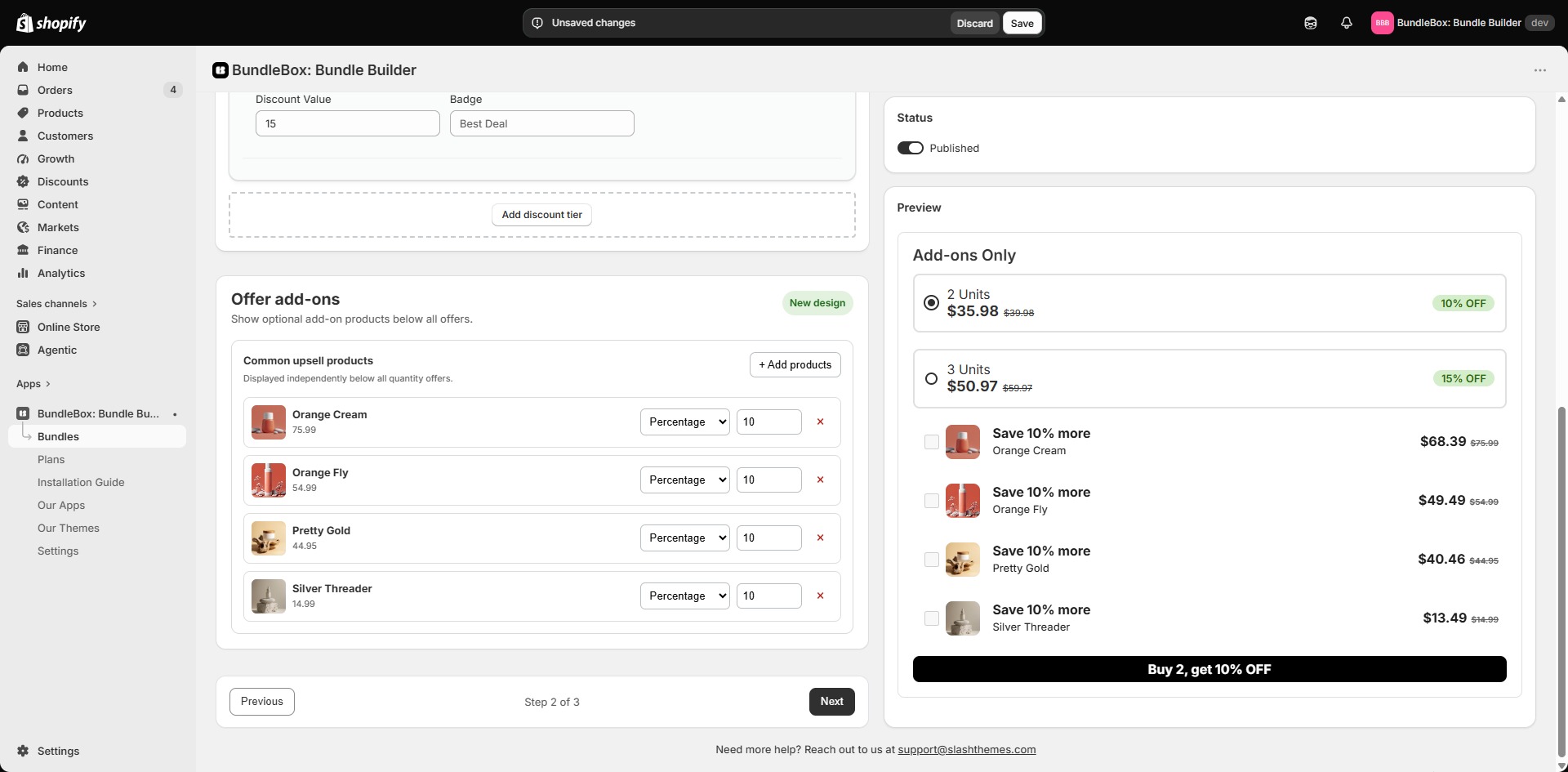
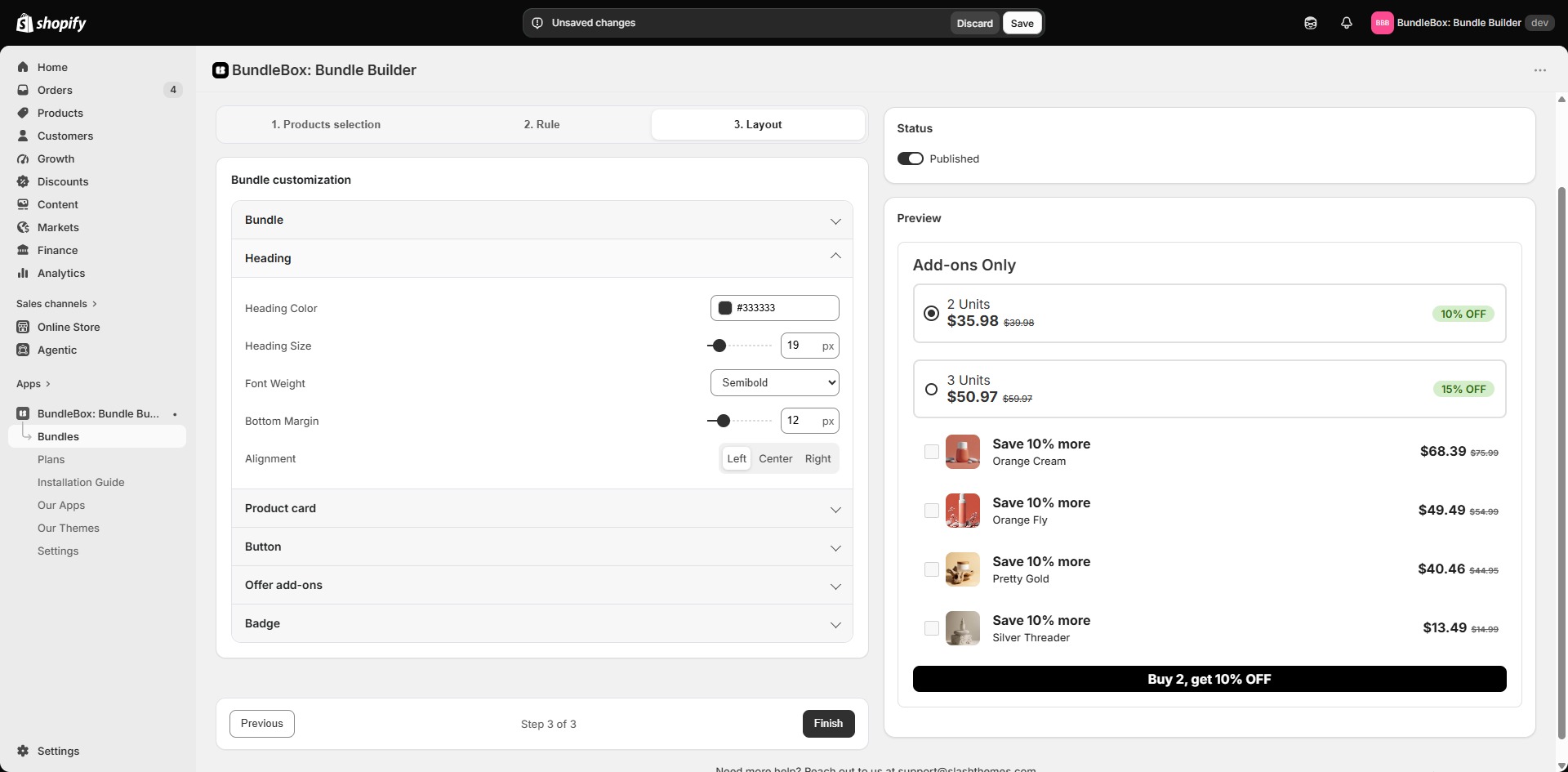
Add the products, pricing or discount rules, and customer-facing content required by that bundle type.
Save and add it to your theme
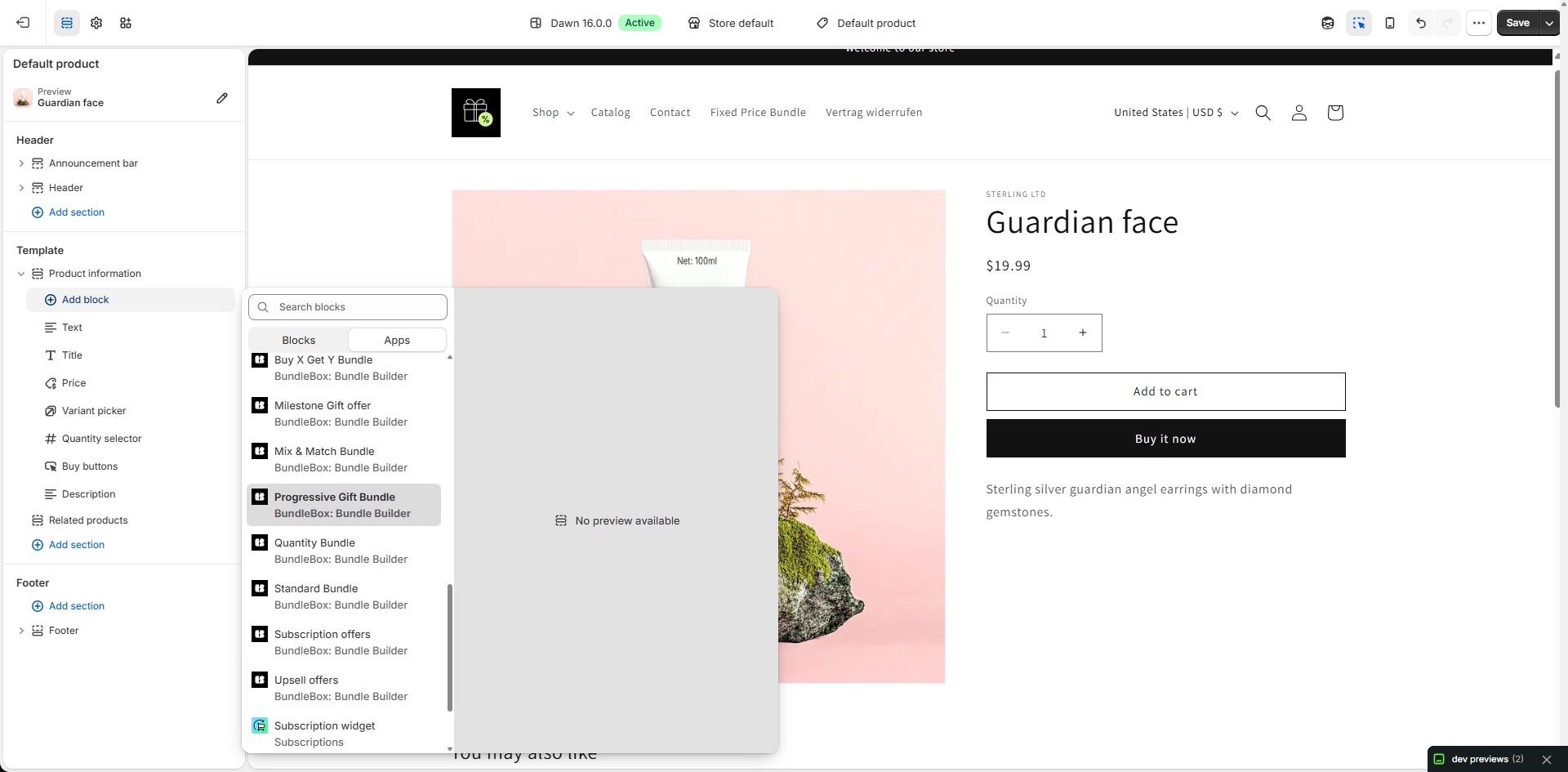
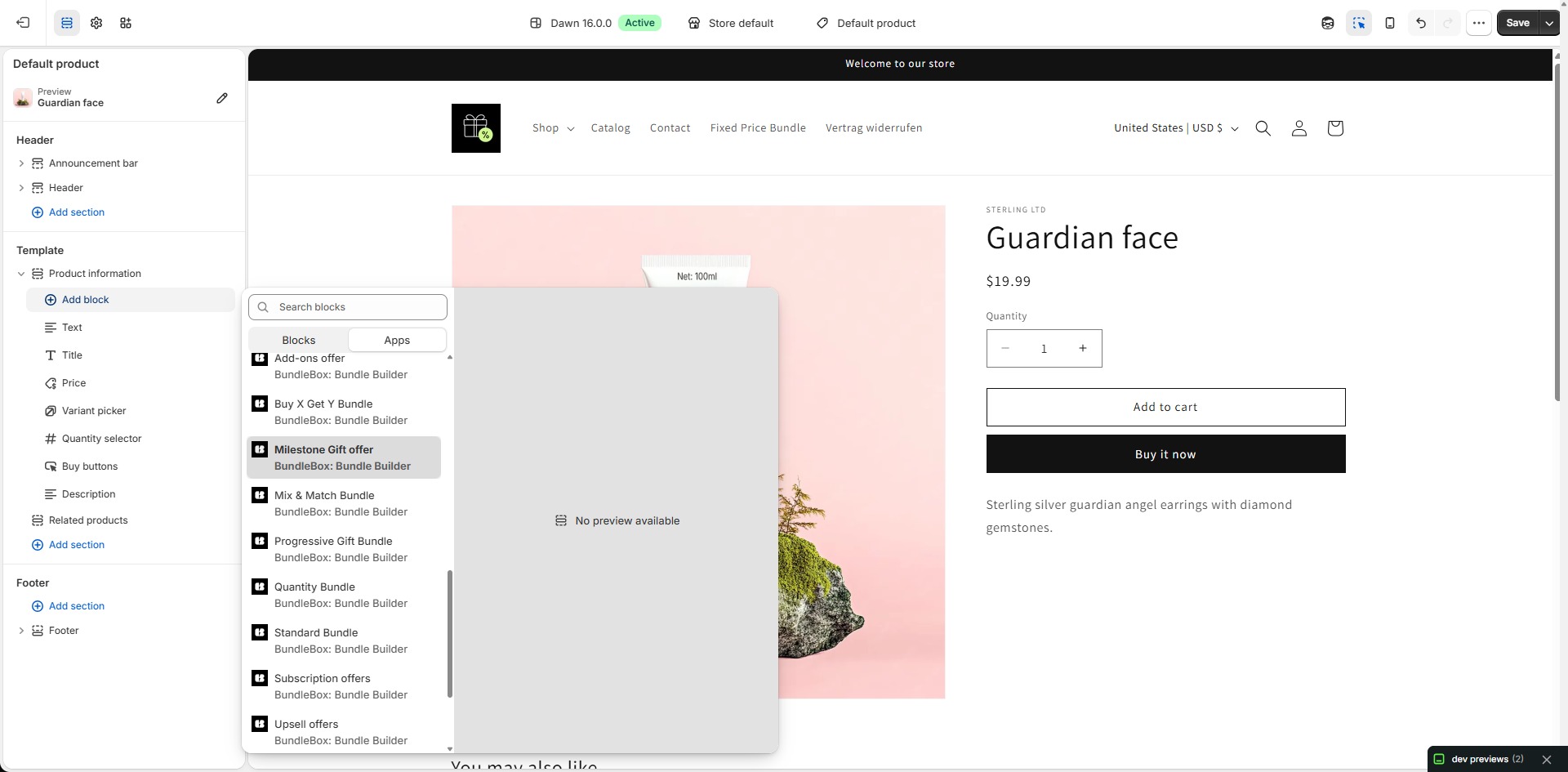
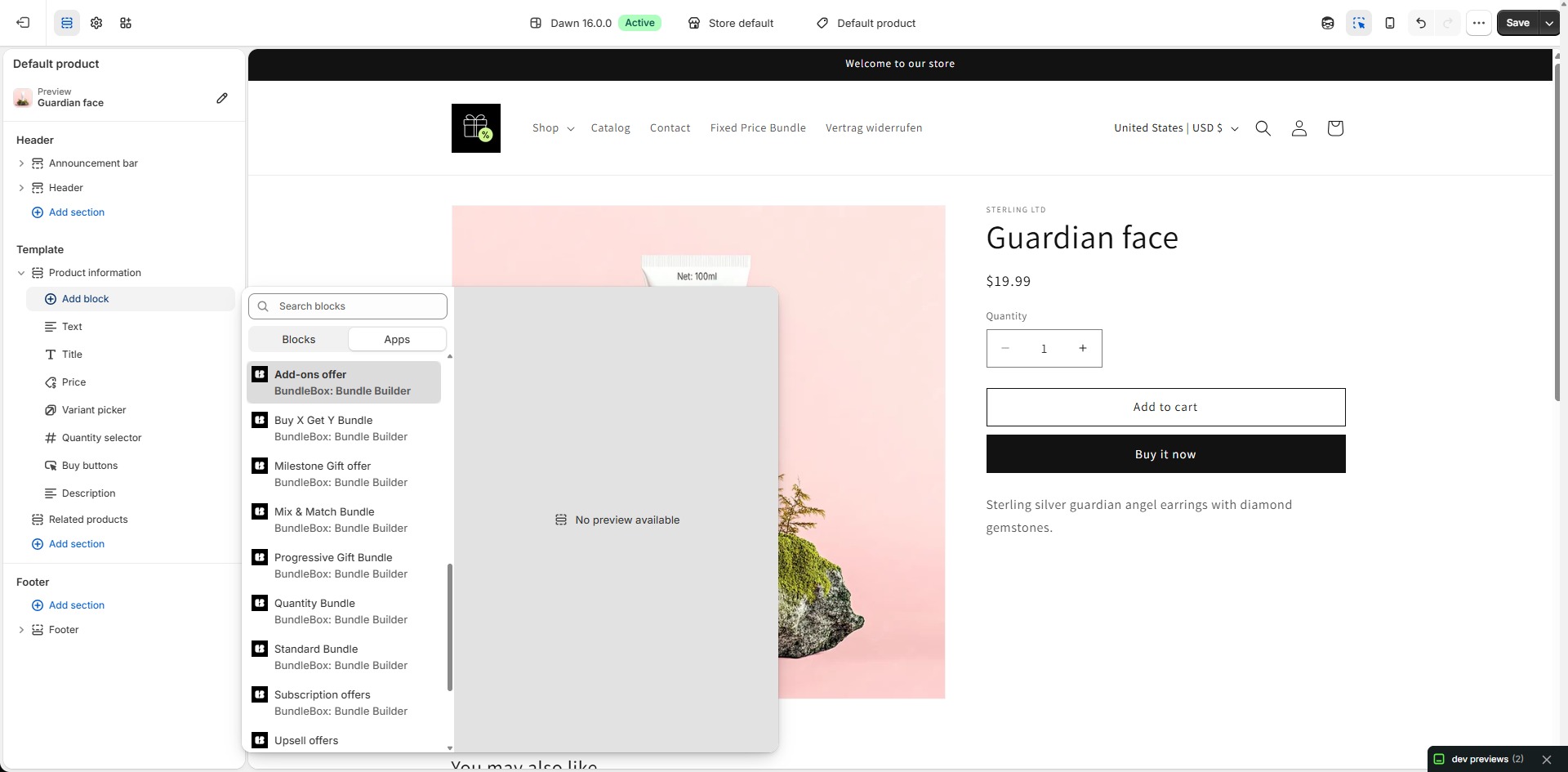
Save your bundle, then use the Shopify theme editor to place the BundleBox app block on the correct product template when required.
Test before promoting
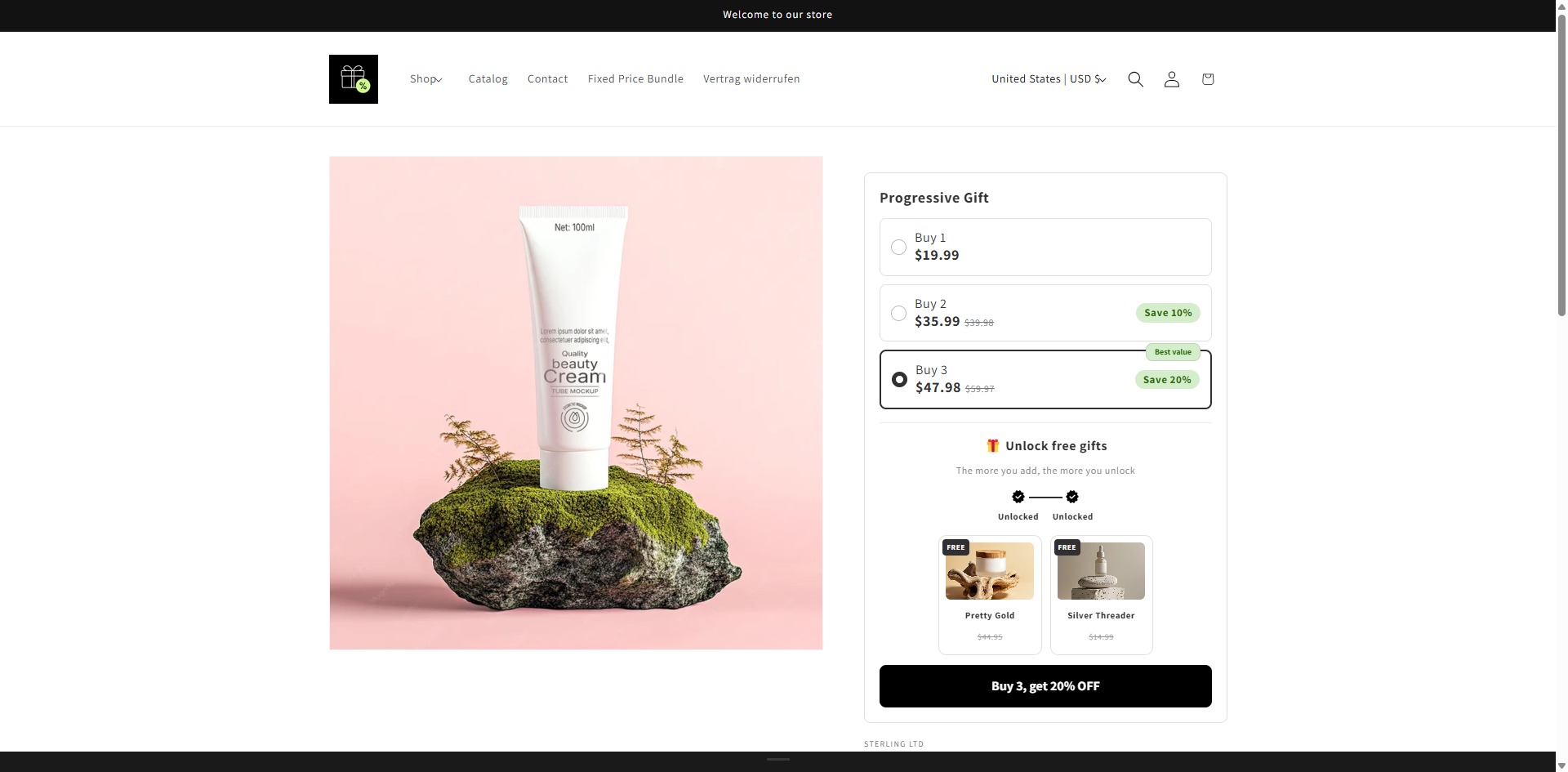
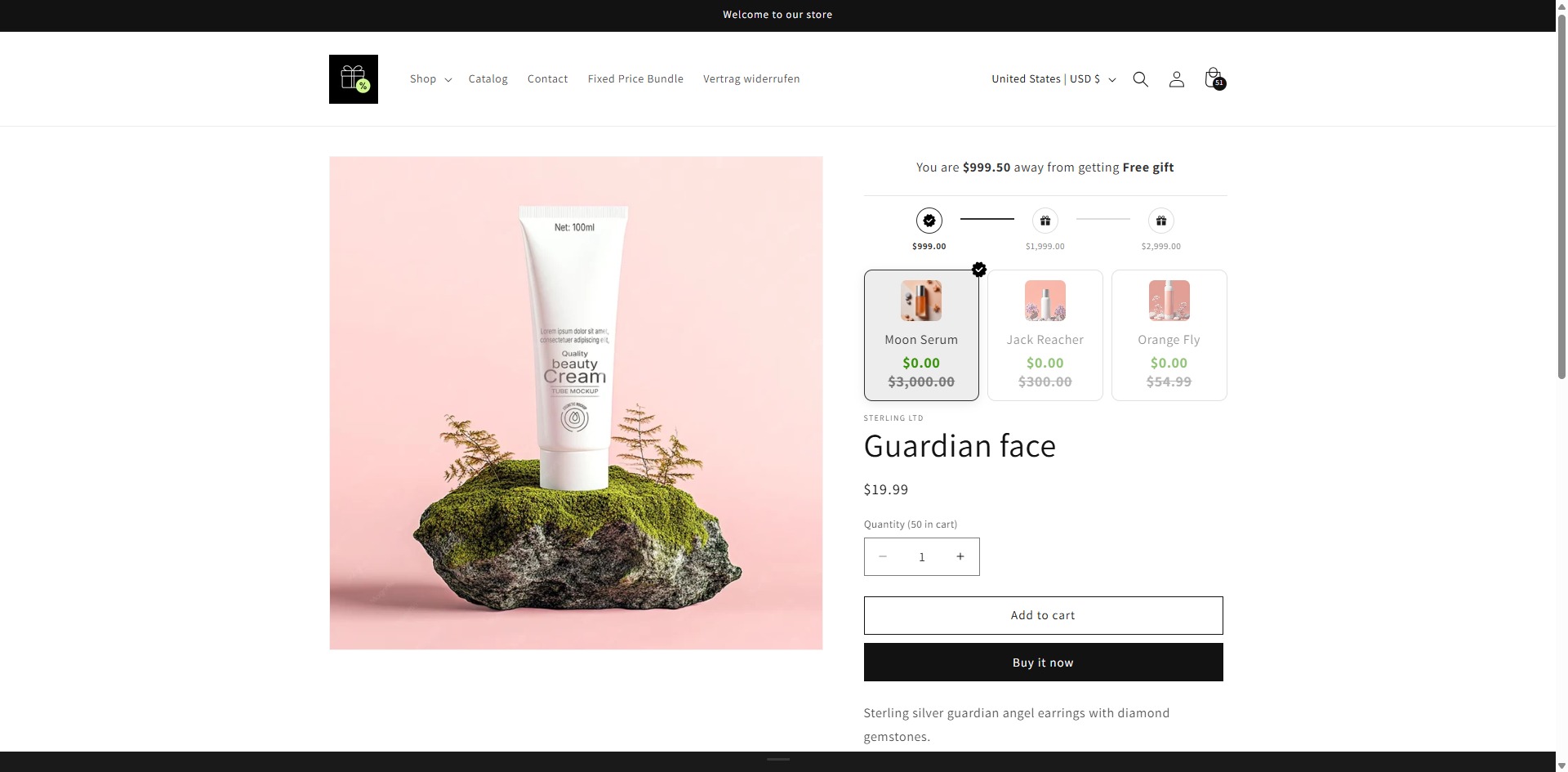
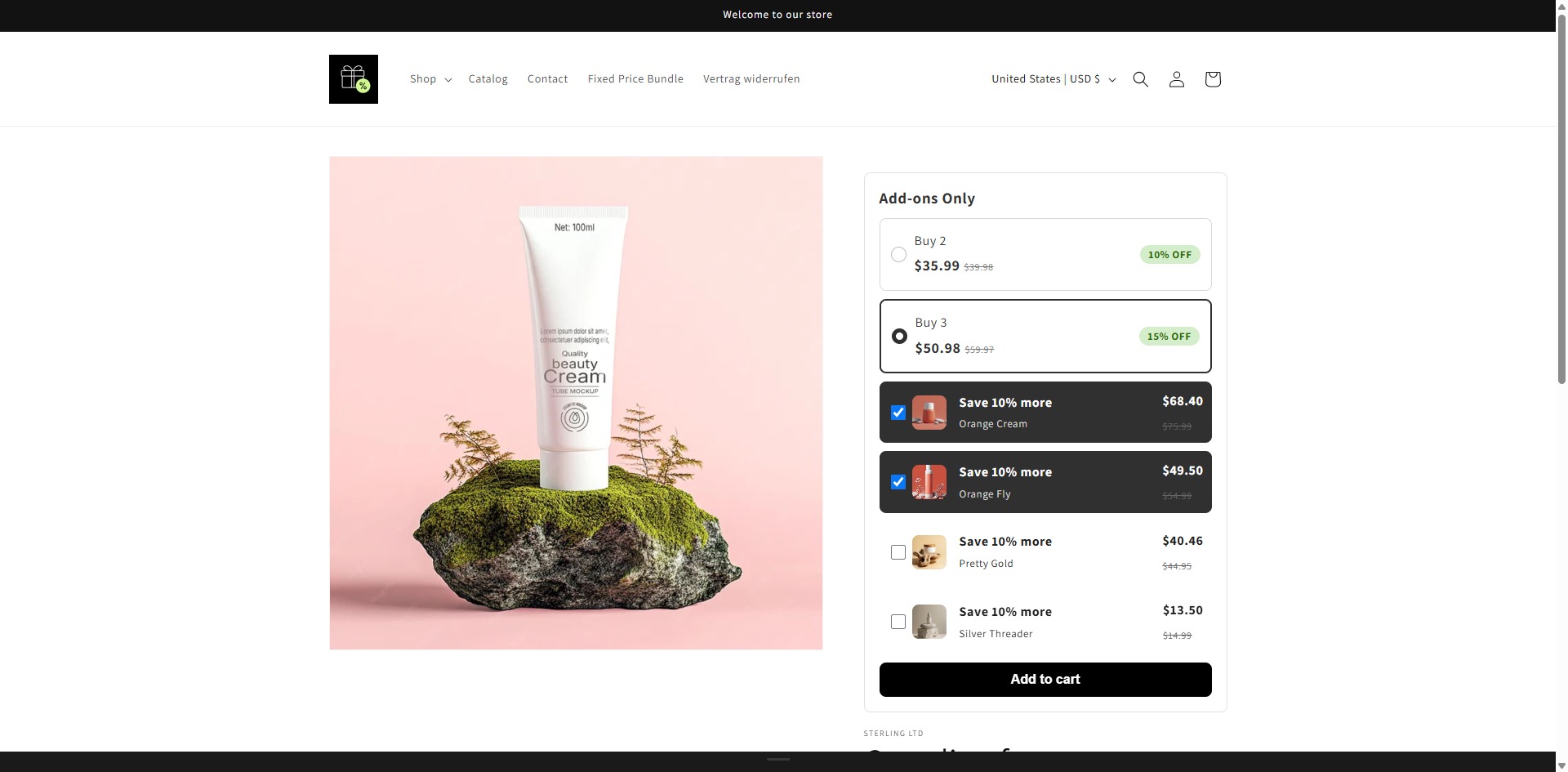
Open the storefront, select the offer, add it to cart and verify product quantities, discount and final price.
Choose your bundle guide
Each bundle guide includes the complete setup video and short visual steps.